
EastMallBuy buying guide
Use these topics alongside the complete purchase steps below. Each points to the actual check or tool.
EastMallBuy video walkthrough
- The Spreadsheet, EastMallBuy and service suitability
- Choose a product and check the seller
- Place an order and plan both payments
- Understand QC and request the right view
- Fees, currency and destination charges
- Use the parcel-contents checker
- Review packing, dimensions and chargeable weight
- Follow delivery and report a problem
- FAQ and buying terms
- Official notices and community examples
How to use EastMallBuy
Choose the original listing and its exact variant. Paste the link into the agent’s search and compare the imported colour, size, quantity and price with the seller page.
If automatic import fails, the DIY form asks for the link, title, picture, price, domestic freight, store, quantity and a remark. Use the remark for a precise request such as a garment measurement or keeping the shoe box.
The full sequence is buying payment, seller dispatch, warehouse receipt, QC and any return decision, then parcel selection and a separate shipping payment. Confirm the delivery address and route before paying for the parcel. Keep the order and parcel references through tracking and receipt.
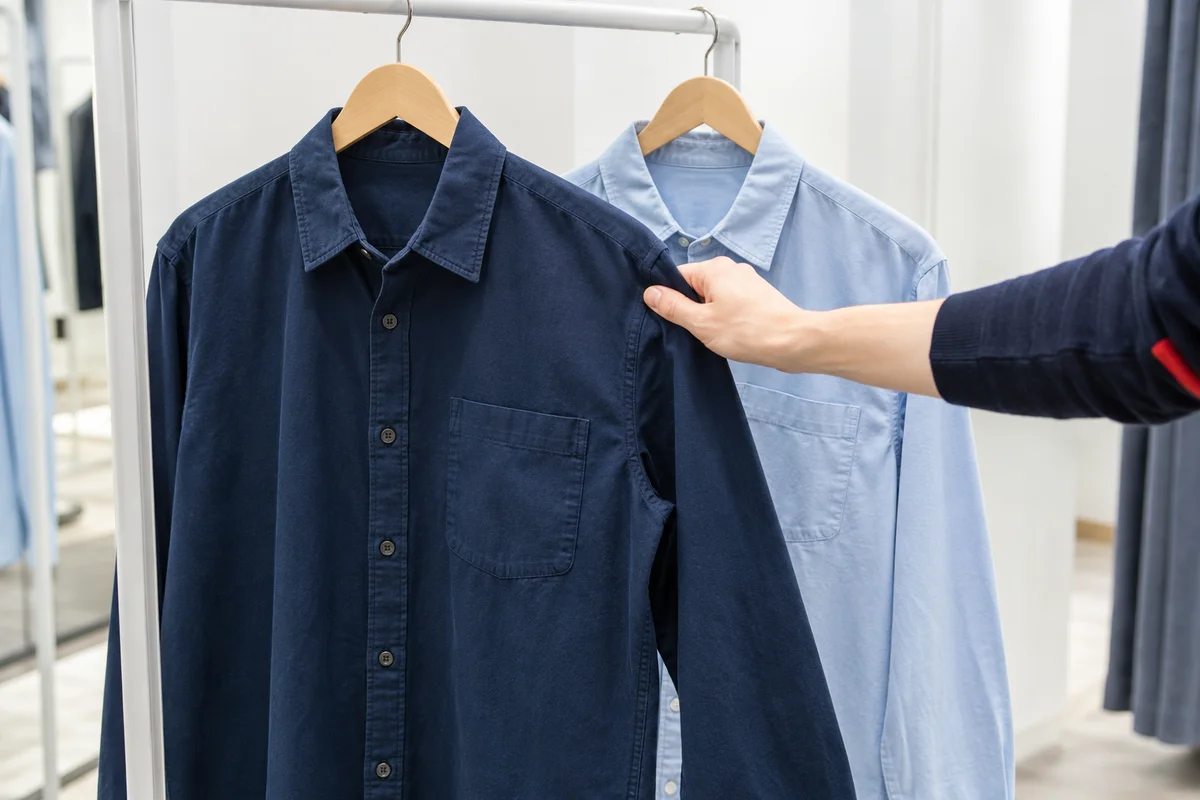
Pay for the goods and follow seller dispatch
Review the item charge, domestic delivery and any buying or payment charges. Keep the order number and receipt. The seller then sends the purchase to the warehouse; that domestic shipment is not the international delivery.
How to check QC photos
Compare the photographed item with the option you ordered: size label, colour, quantity and visible condition. Ask for the specific missing view. For fit, request a measurement with the tape and its start and end points visible.
EastMallBuy’s inspection guidance covers appearance and has limits for sealed packaging and electronics. Do not assume a photo is a function test or authentication. Raise a mismatch and ask about return or exchange before packing.
Shipping: submit accepted items as a parcel
Select the accepted warehouse items, check the route accepts the contents, and choose packing. Review the outer dimensions, chargeable weight, recipient address and final quote. Pay the international shipping bill when the details are right.
If you bought the item yourself
Forwarding is a different path: follow the agent’s current warehouse-address and inbound-registration instructions. Enter the seller’s tracking number so the warehouse can match the delivery. Confirm inspection, insurance and return terms for forwarded goods separately.
What is QC?
QC is the warehouse check of the goods received from the seller. The photographs let you compare the item with the order before it leaves China. They can reveal a wrong colour, label or visible defect, but they cannot establish authenticity or long-term function.
EastMallBuy's inspection guidance describes an appearance check with limits for sealed packaging and electronics. Confirm what inspection is included and the cost of a special view or measurement. A request for a functional test must not be assumed to be covered by ordinary photos.