
EastMallBuy Spreadsheet: from find to front door.
Browse the Spreadsheet, check the seller’s listing and understand each payment before building a parcel.
Open EastMallBuyBrowse the Spreadsheet
 SneakersCategory
 Jackets & CoatsCategory
 HoodiesCategory
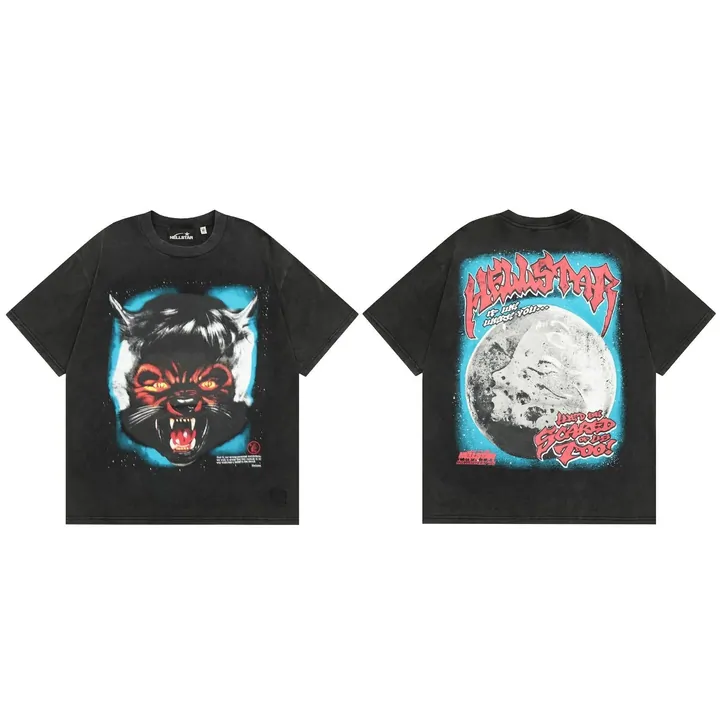 T-ShirtsCategory
 BagsCategory
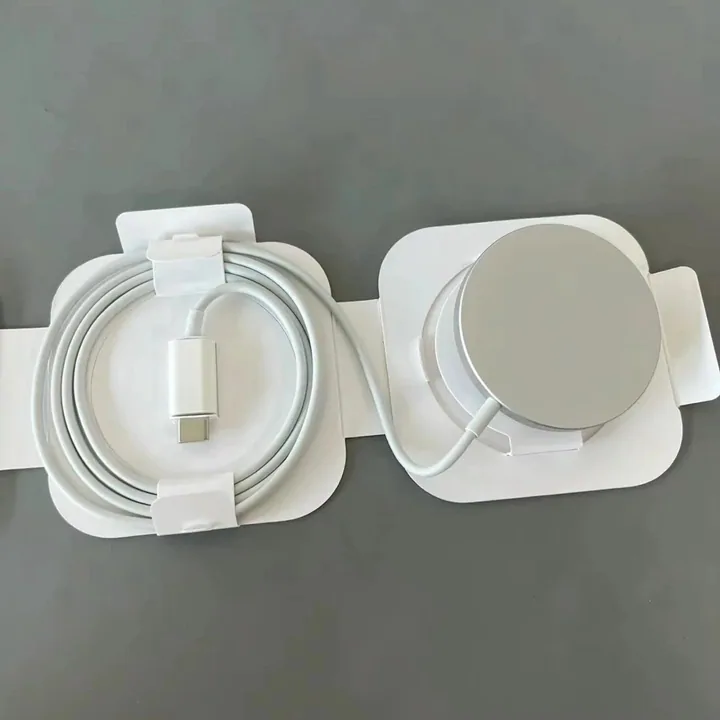 ElectronicsCategory
Discover the item
What is EastMallBuy Spreadsheet?
A product-link catalogue with search and categories. Open the original seller listing to check the available option and current terms; your agent account handles the purchase separately.
About the Spreadsheet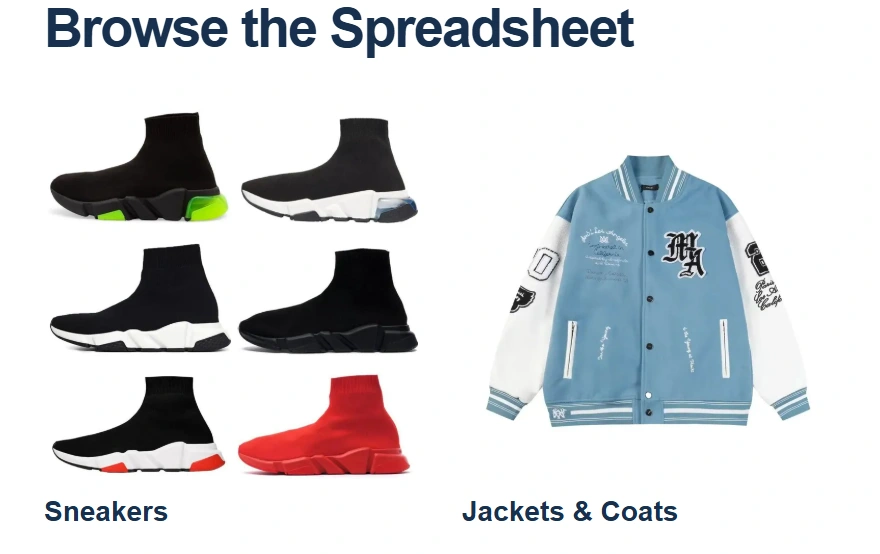
How to use EastMallBuy Spreadsheet
Choose an item, compare measurements and record the exact size, colour, quantity and seller URL before ordering.
Use the catalogueWhy use this EastMallBuy Spreadsheet?
It connects 16 categories to DIY-order advice, QC, fees and a working parcel-contents checker, with dated updates.
What this guide providesChoose the service
What is EastMallBuy?
A shopping agent that buys selected goods from sellers in China, receives them at a warehouse and arranges international forwarding. The seller supplies the item; the agent carries out the buying and warehouse work you request.
Understand the serviceWhy choose EastMallBuy?
DIY Orders allows explicit product details and remarks when a supported link needs manual entry. That can suit an exact option or measurement request. Confirm acceptance and charges, and compare another service if it cannot meet your needs.
Check whether it fits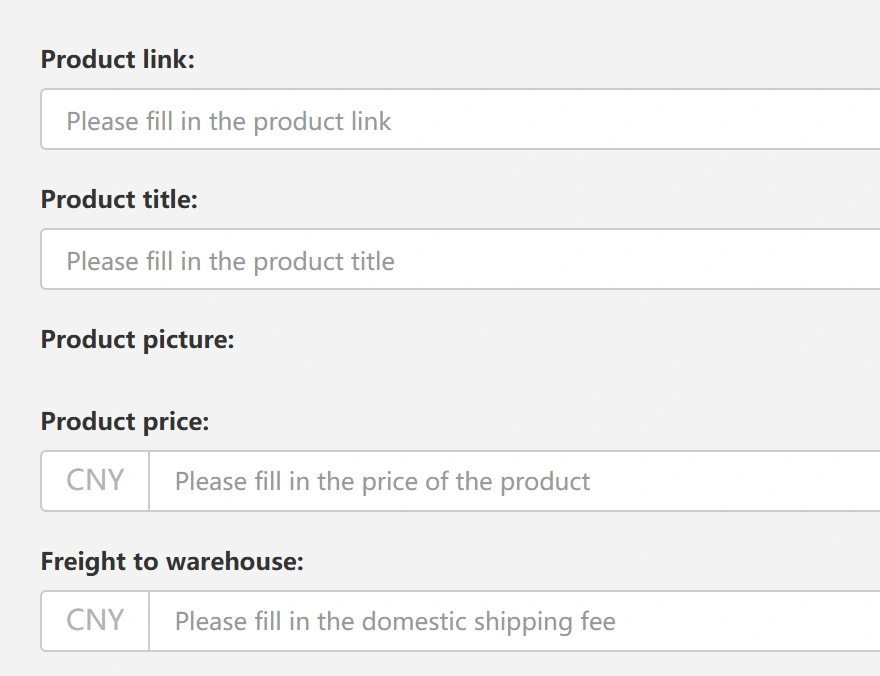
Place the order
How to use EastMallBuy
- Submit the seller URL or a DIY Order and check the selected option.
- Make the buying payment and wait for warehouse receipt.
- Review QC; settle a wrong item or return before forwarding.
- Choose accepted items, packing and a suitable route; pay shipping.
- Follow tracking and check the delivered contents.
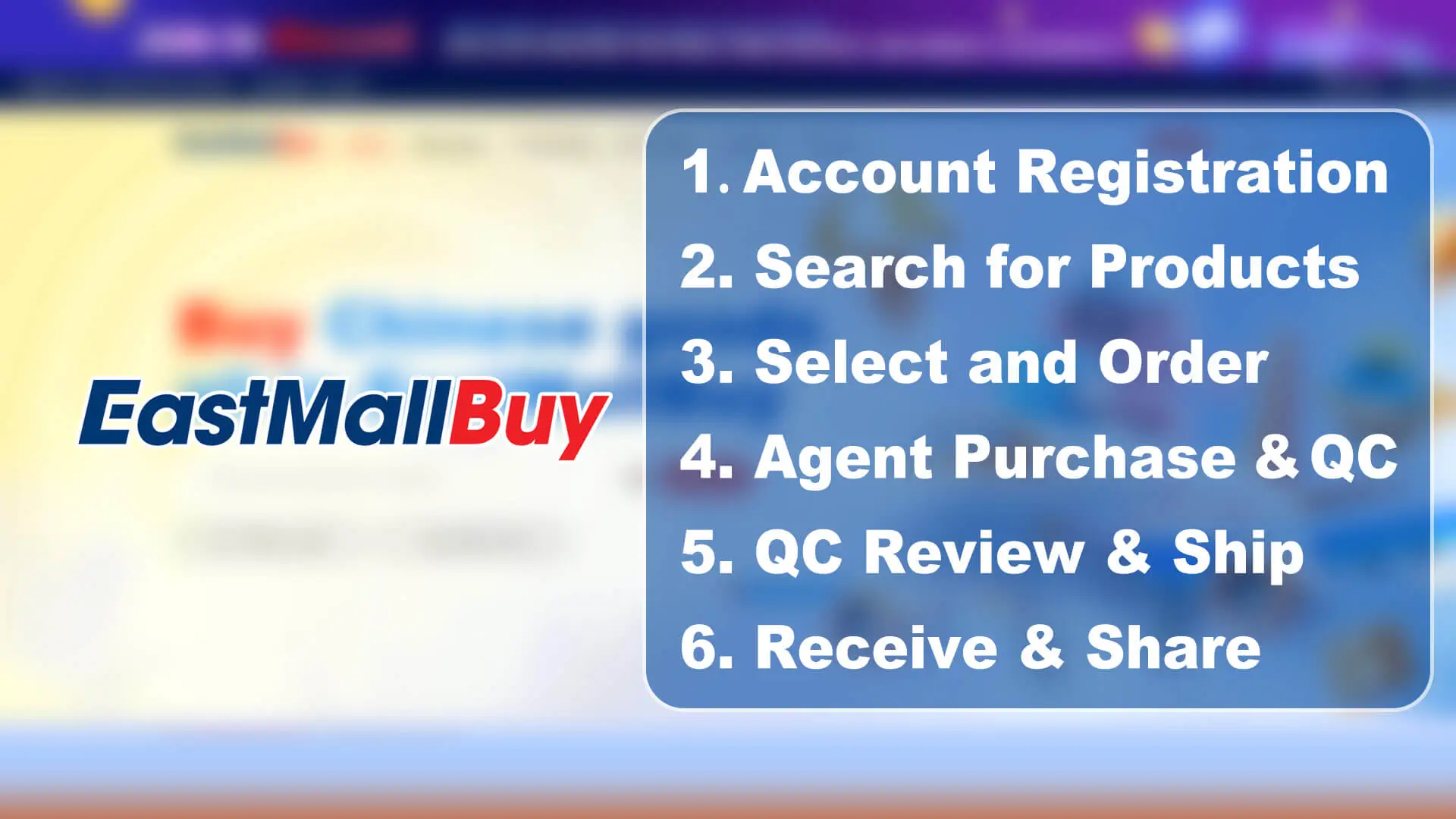 Watch the official buying walkthrough · 2:42
Help Center & FAQ
Use your EastMallBuy account support for an order or parcel issue. Include the relevant reference, what happened and the photo or tracking event that explains it.
Guide updates · 10 October 2026 — dated service notices and community context.